SolidWorks: Getting Started
Getting started with SolidWorks: training materials, academic certification paths (CSWA, CSWP, CSWE), first launch overview, and exam workflow using the TesterPro Client.
This blog was created, among other reasons, to document engineering tools of this kind. SolidWorks is a computer-aided design (CAD) system widely used in mechanical engineering, including applications in the electrical power industry.
This post is a short “getting started” guide: training materials, certification, and exams.
 Rys. 1. SolidWorks.
Training Materials and Certification
Training materials are available via: https://my.solidworks.com/.
After logging in, your account must be linked to your license (e.g., Home Student Premium).
A good starting point is the introductory learning path: https://my.solidworks.com/training/path/106/getting-started-with-solidworks-cad
Next, it is worth reviewing the list of Academic Certification exams available under subscription: https://www.solidworks.com/certifications/academic-certification.
The basic certification levels are:
- CSWA - Certified SOLIDWORKS Design Associate
- CSWP - Certified SOLIDWORKS Design Professional
- CSWE - Certified SOLIDWORKS Design Expert
Certification-focused training playlists are available here: https://my.solidworks.com/training/playlist/1.
First Launch of the Program
After installing and launching SolidWorks, the main window appears with a start panel. It is recommended to begin with the built-in tutorials, accessible via the button shown in the figure.
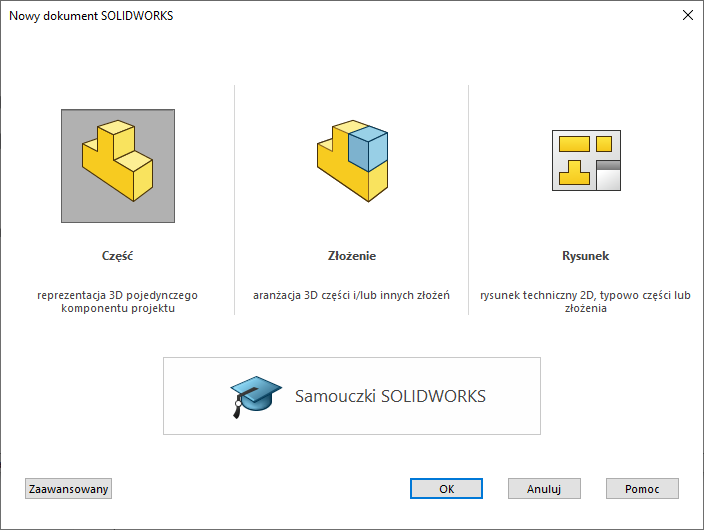 Rys. 2. SolidWorks - start panel.
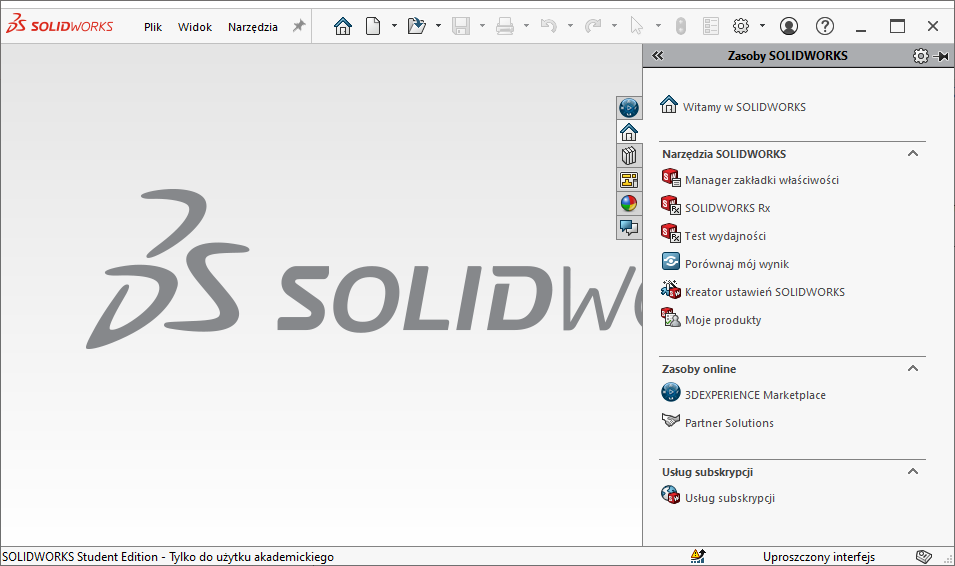 Rys. 3. SolidWorks – main window after first launch
Certification (CSWA)
Once working in SOLIDWORKS becomes comfortable, you may proceed to the CSWA exam: https://www.solidworks.com/certifications/mechanical-design-cswa-mechanical-design.
Courses and exercises preparing for the CSWA exam:
- Exam Prep Course https://my.solidworks.com/training/path/14/cswa-exam-prep-course
- Practice Exams https://my.solidworks.com/training/path/13/cswa-practice-exams
It is recommended to complete these learning paths in order.
After that, you can proceed directly to CSWA exam preparation (sample exam):
https://my.solidworks.com/training/path/13.
Exams
To take a certification exam (both sample and final), it is necessary to launch the external TesterPro Client application, available at:
https://3dexperience.virtualtester.com/
After launching the application and creating an account, a list of available exams is displayed, for example “CSWA - Sample Exam”.
The free sample exam can be taken once every 30 days.