Graphics: TikZ in LaTeX – workflow in a larger project (PDF instead of inline)
How to generate TikZ drawings as PDF files, crop them with pdfcrop, and use them in LaTeX documents instead of inline drawings.
TikZ drawings are useful, but in larger LaTeX documents they can slow down compilation and cause package conflicts.
Instead of compiling TikZ drawings directly in the document, they can be compiled as separate PDF files and inserted as ready-made graphics, e.g. using the \includegraphics command from the graphicx package.
This approach is shown below.
Standard approach – TikZ directly in the document
The standard approach is to place a TikZ drawing directly in the document:
1
2
3
\begin{circuitikz}
  % TikZ code
\end{circuitikz}
TikZ code can be long, so it is convenient to keep it in separate files and include it with \input{example.tikz}:
1
2
3
4
5
6
\begin{figure}[ht]
    \centering
    \input{example.tikz}
    \caption{Figure caption}
    \label{fig:1}
\end{figure}
The file example.tikz contains the drawing code:
1
2
3
\begin{circuitikz}
  % TikZ code
\end{circuitikz}
This works well, but has some drawbacks:
- long compilation time with many drawings,
- possible package conflicts,
- less convenient project organization (working with drawings inside the main document).
Approach: TikZ → PDF
Instead of compiling TikZ drawings in the main document, a TikZ drawing can be compiled as a separate PDF file and cropped using pdfcrop.
Source files
tikz2pdf.tex– file compiling the drawing to PDFexample.tikz– drawing definition in TikZtikz2pdf-crop.cmd– script for cropping PDF (pdfcrop)tikz2pdf-usage.tex– example usage in a LaTeX documentpdf2png.cmd– script for creating PNG files (optional)
Output files
tikz2pdf.pdf– compilation result oftikz2pdf.textikz2pdf-crop-1.pdf– cropped file, variant 1 (with grid and helper nodes)tikz2pdf-crop-2.pdf– cropped file, variant 2 (with helper nodes)tikz2pdf-crop-3.pdf– cropped file, variant 3 (final version)
Figures
The figures below show three variants of the same drawing generated from TikZ code.
Variant 1:
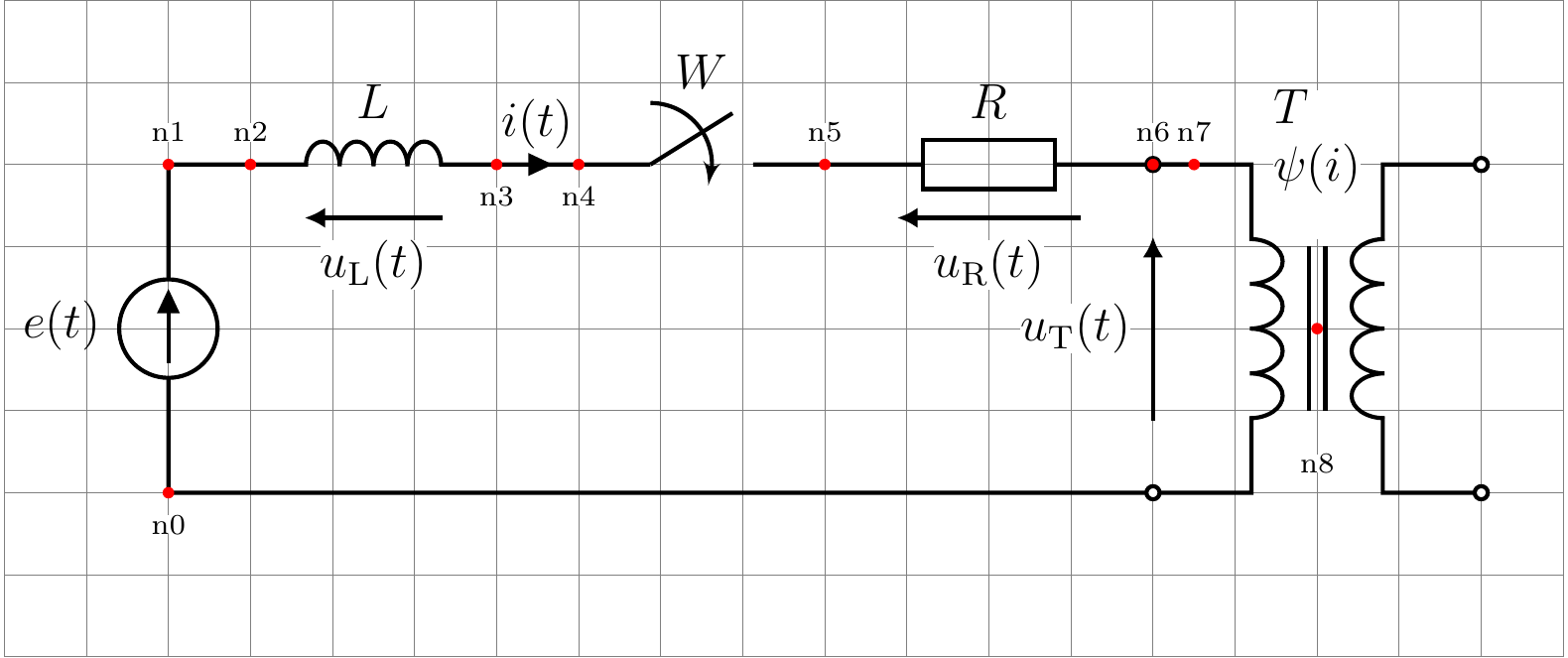 Fig. 1. Variant 1 – drawing with grid and helper nodes.
Variant 2:
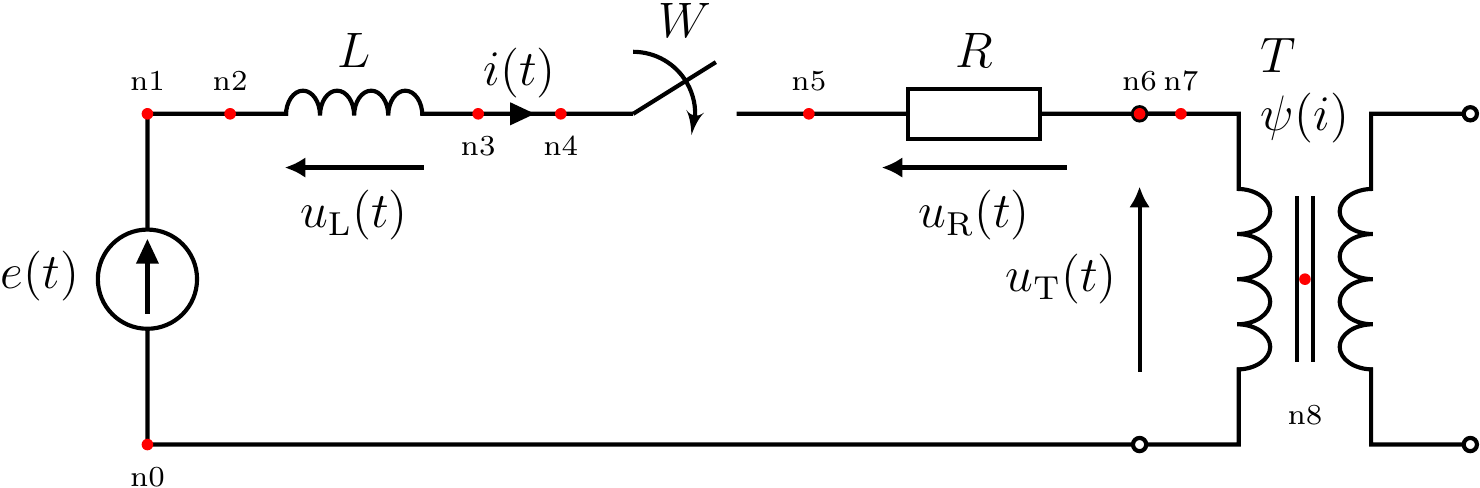 Fig. 2. Variant 2 – drawing with helper nodes.
Variant 3:
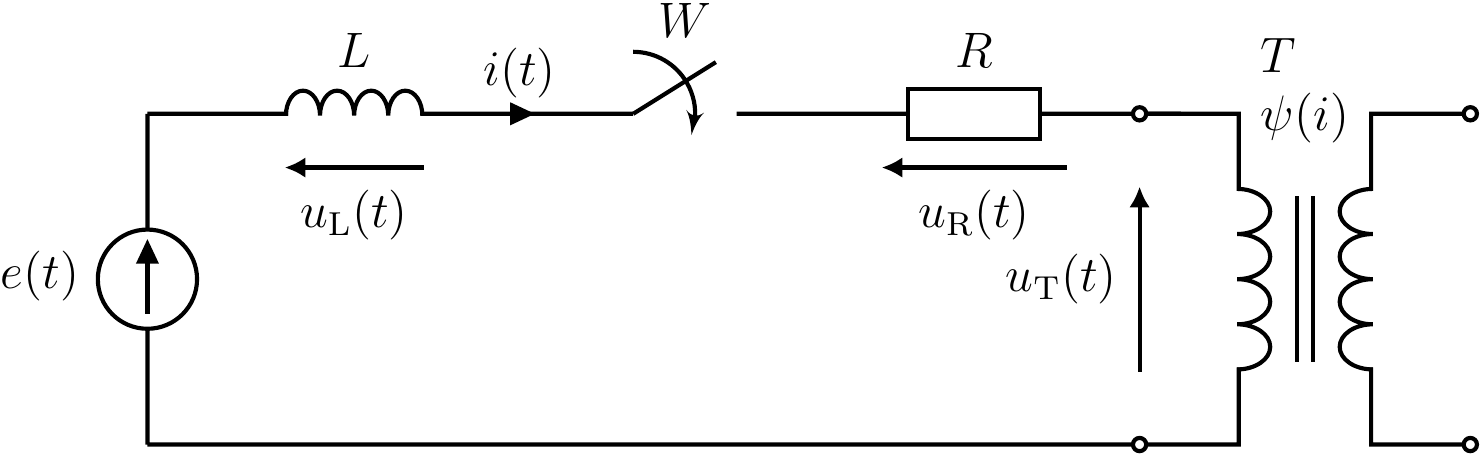 Fig. 3. Variant 3 – final drawing.
Summary
Generating TikZ drawings as separate PDF files simplifies project organization, reduces compilation time, and lowers the risk of package conflicts.
In practice, this is a convenient approach when working with larger LaTeX documents.