SolidWorks: LEGO Brick – step-by-step example
Creating a LEGO brick model in SolidWorks using basic CAD operations.
A LEGO brick is a good example to start creating geometry in SolidWorks.
There are many tutorials on this topic. Here I show my approach.
The geometry of a LEGO brick is regular, but it also contains several important features.
This makes it a good exercise for basic operations and a typical modeling workflow.
Below is a YouTube video showing the full process step by step. Further down, the modeling steps are shown.
Video
Below is the full modeling process – step by step, no narration:
Model assumptions
This is an educational model (not for production), based on:
- the concept described in the LEGO patent: US 3005282,
- dimensions prepared by Christoph Bartneck.
The key geometric feature is the placement of the internal cylindrical tube at the center of a square defined by four external studs. This configuration enables a clamping interaction between elements.
Modeling steps
The steps of the process are shown below.
1. Base block
First, a base block is created with the required dimensions.
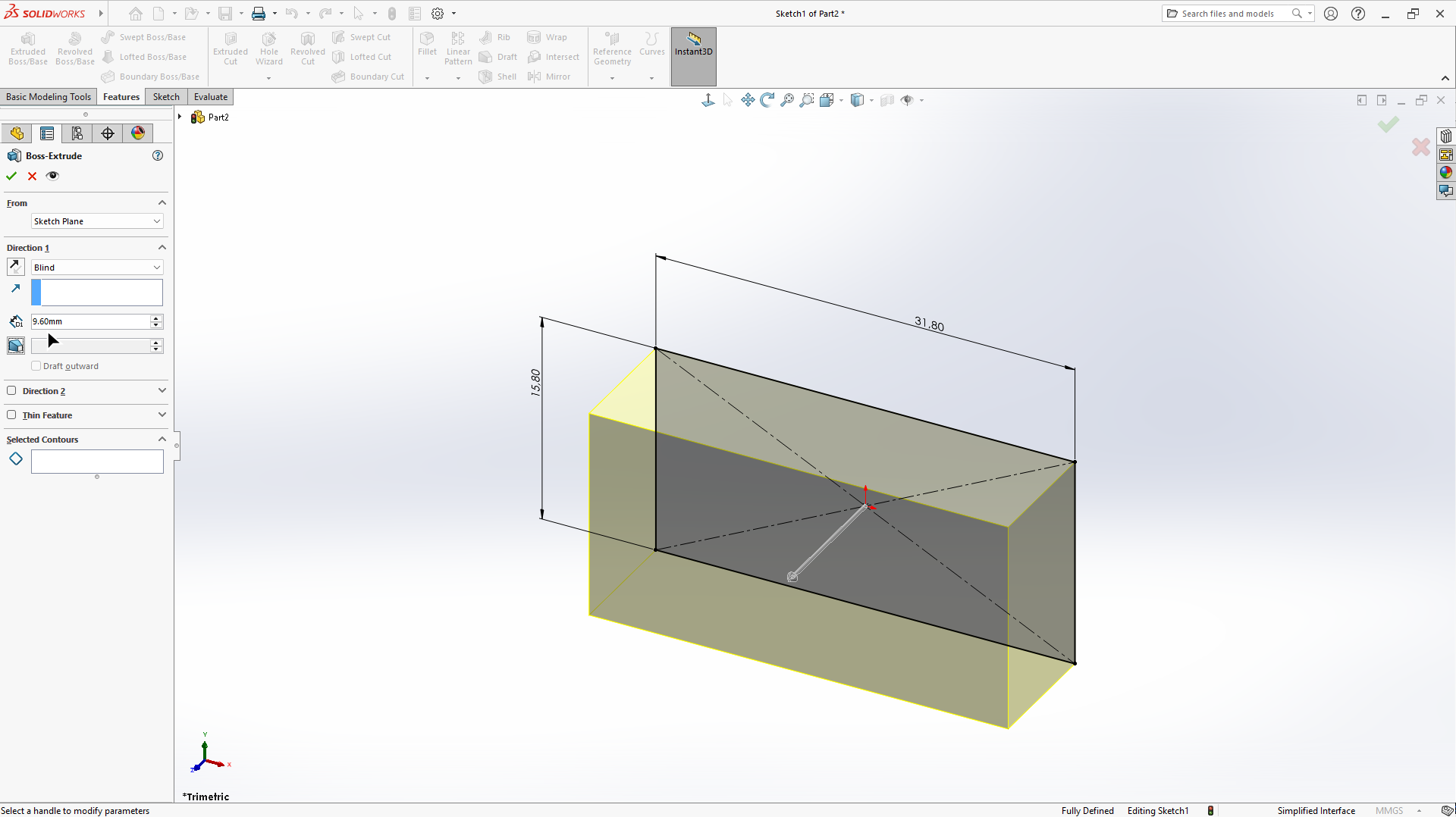 Fig. 1. Step 1: Base block
2. Shell (hollowing)
The block is hollowed using the “Shell” feature to obtain a thin-walled structure.
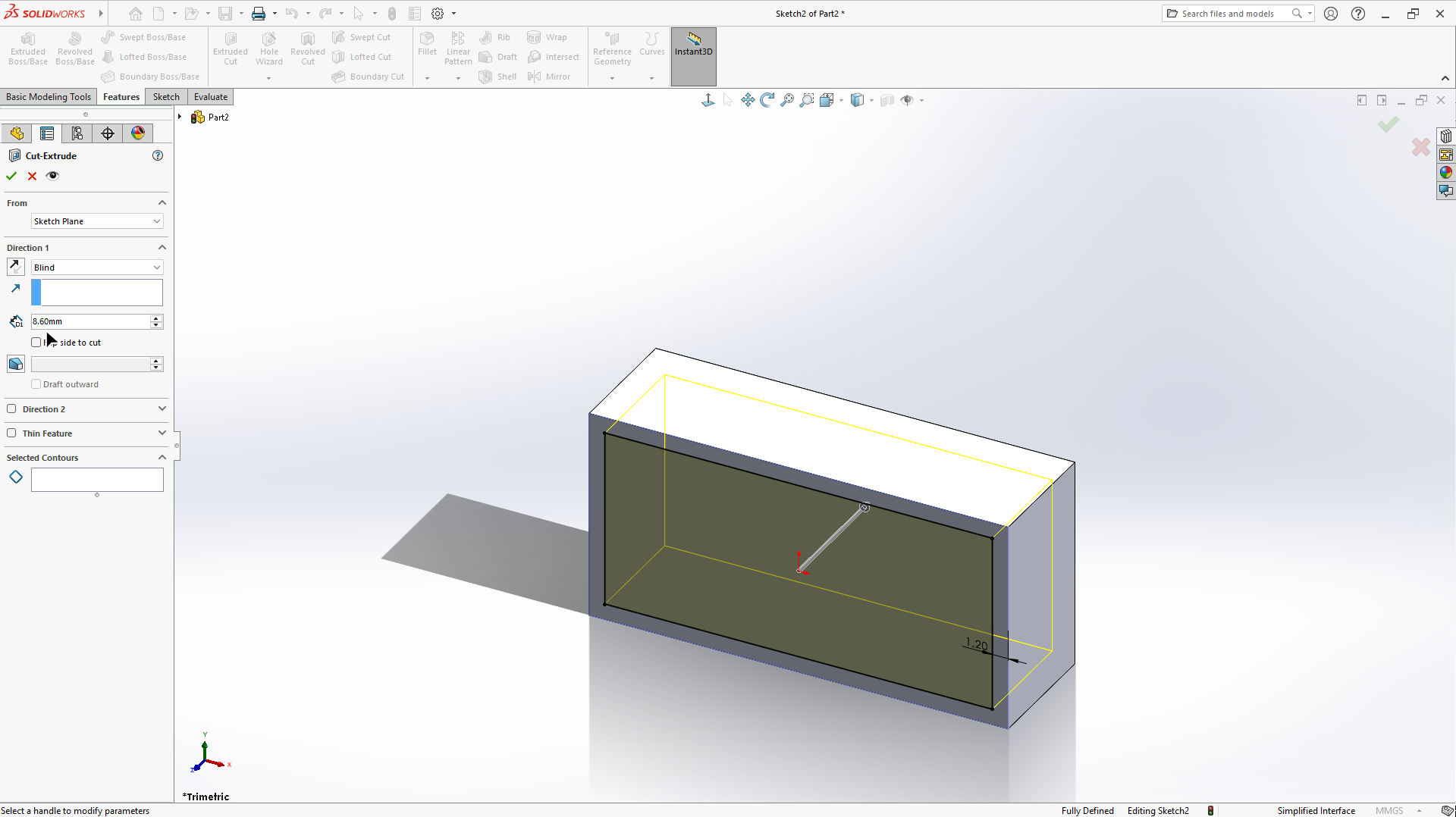 Fig. 2. Step 2: Shell
3–4. Sketch on the internal surface
Further elements are sketched on the internal surface of the shell.
This is a key sketch that represents features based on the concept described in the patent.
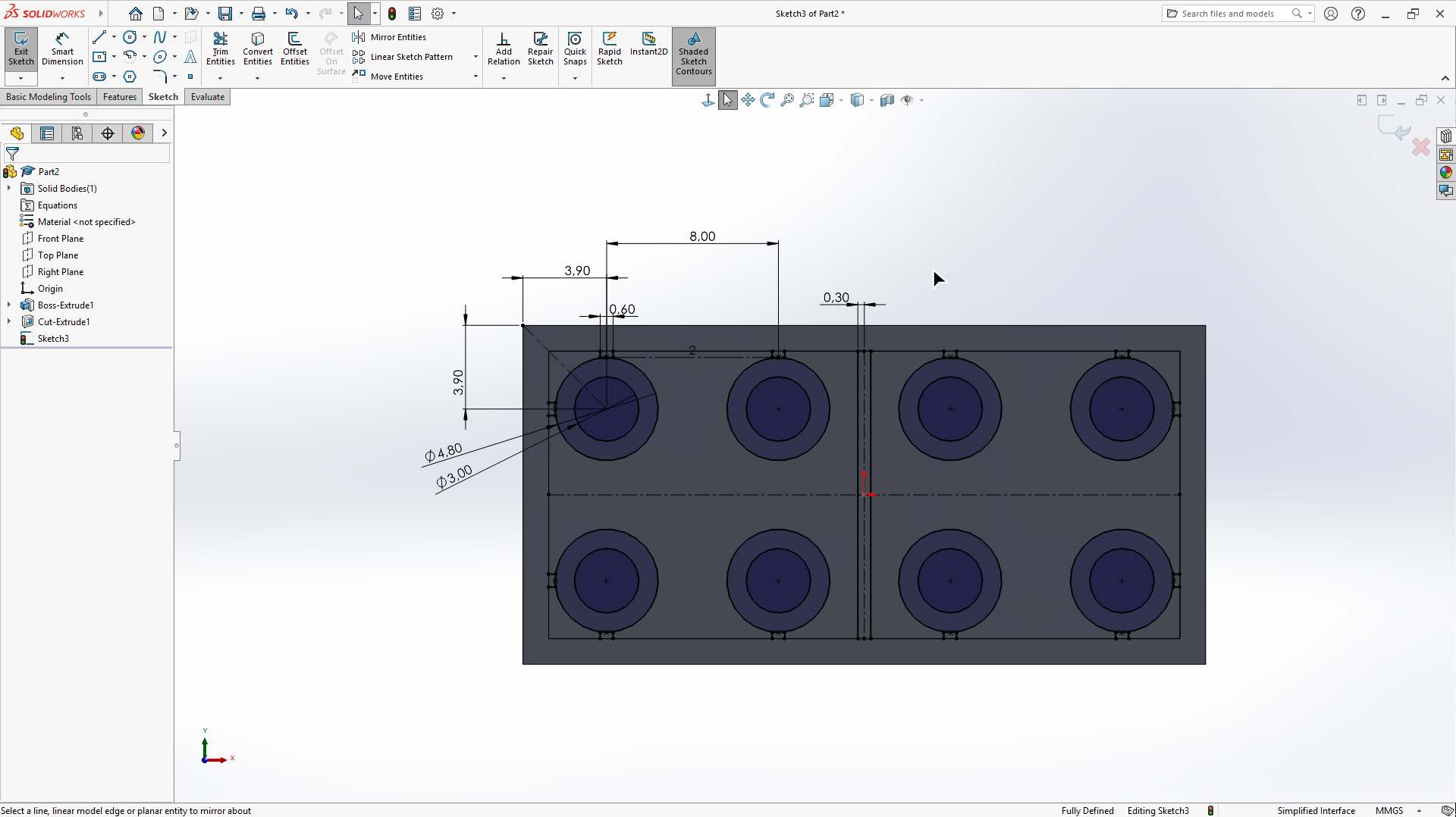 Fig. 3. Step 3: External studs
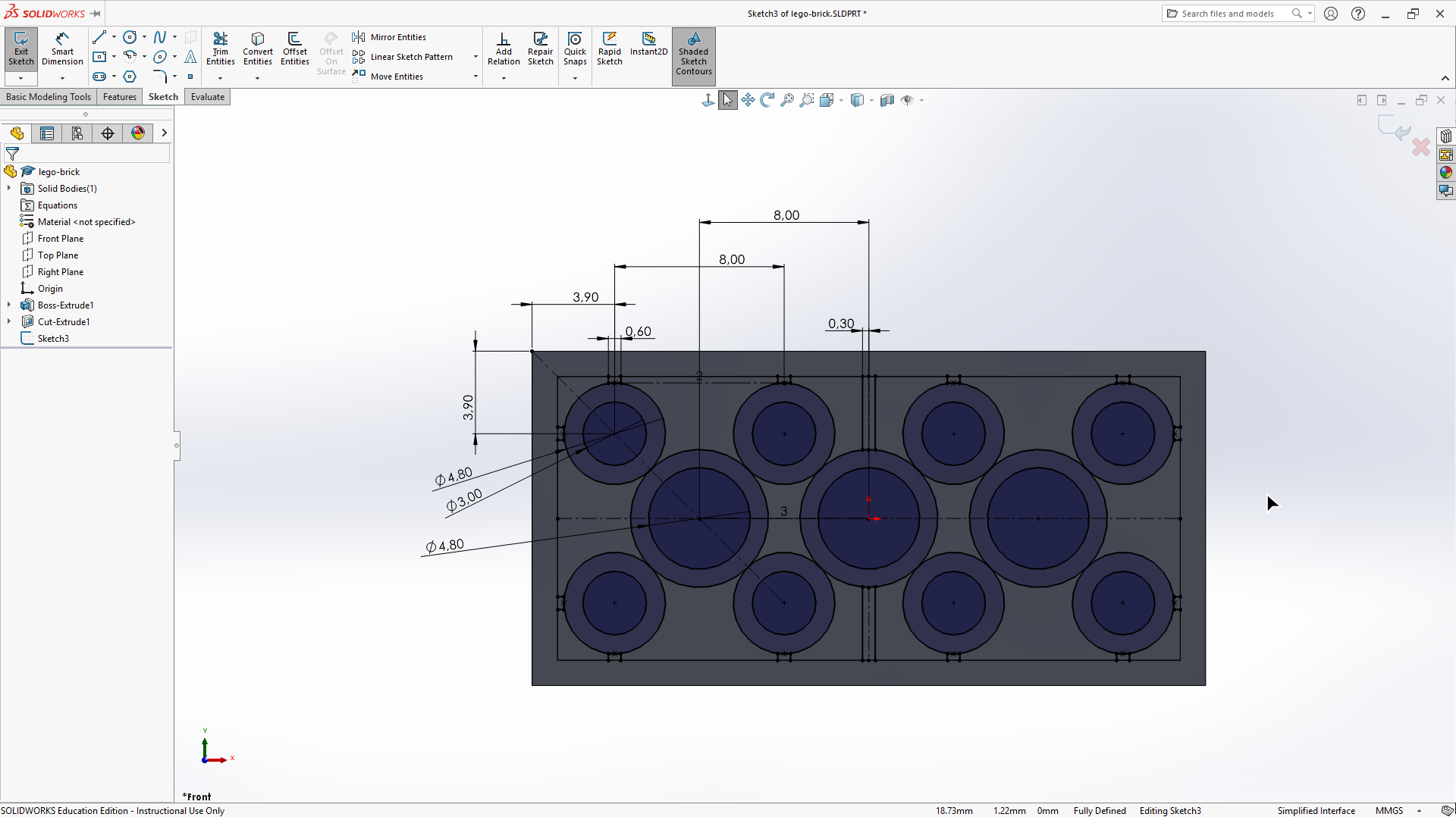 Fig. 4. Step 4: Internal cylinders
5. Extrusions
From the prepared sketch, the external studs, internal cylinders, and other features are created using extrusions.
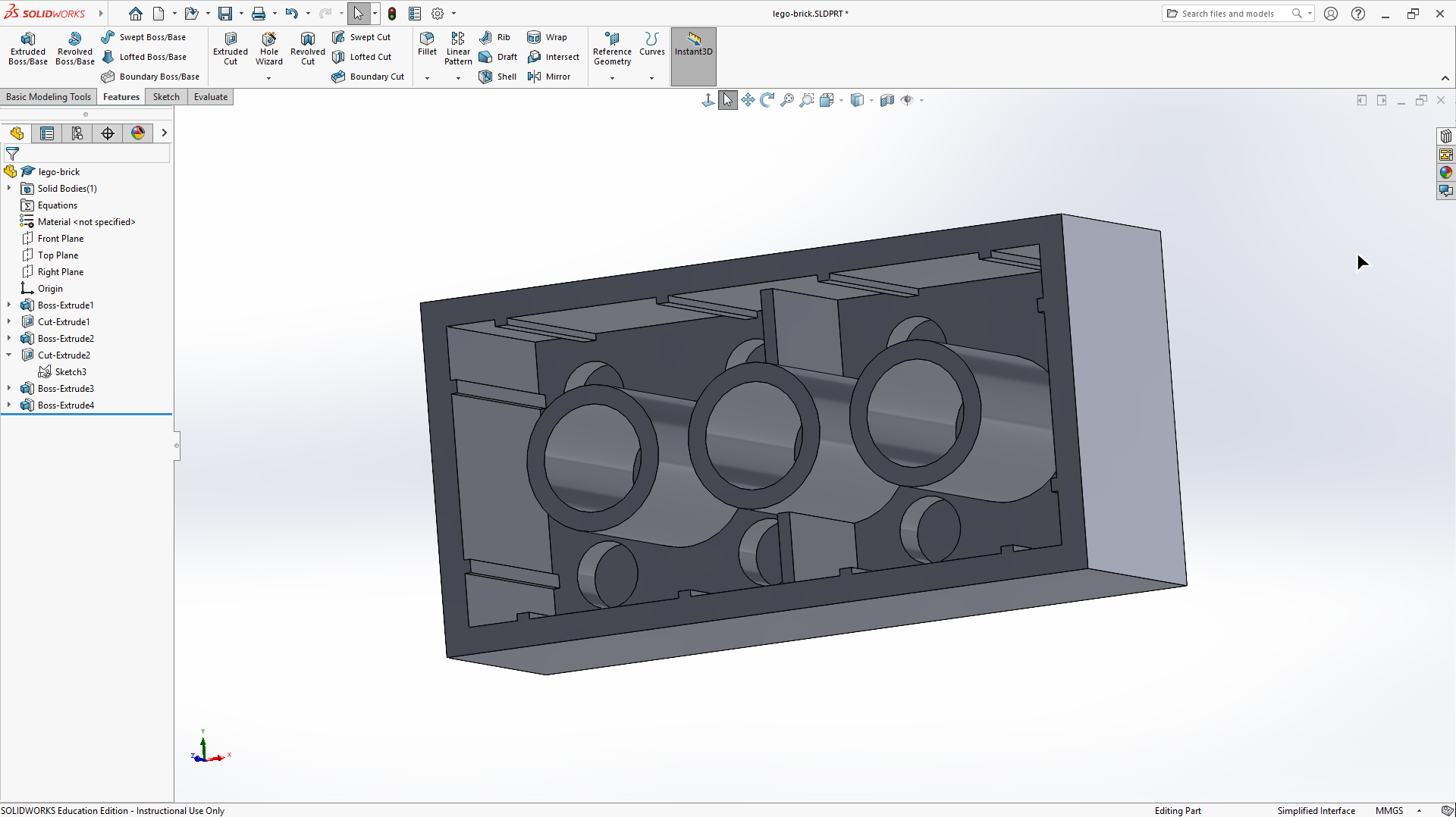 Fig. 5. Step 5: External studs
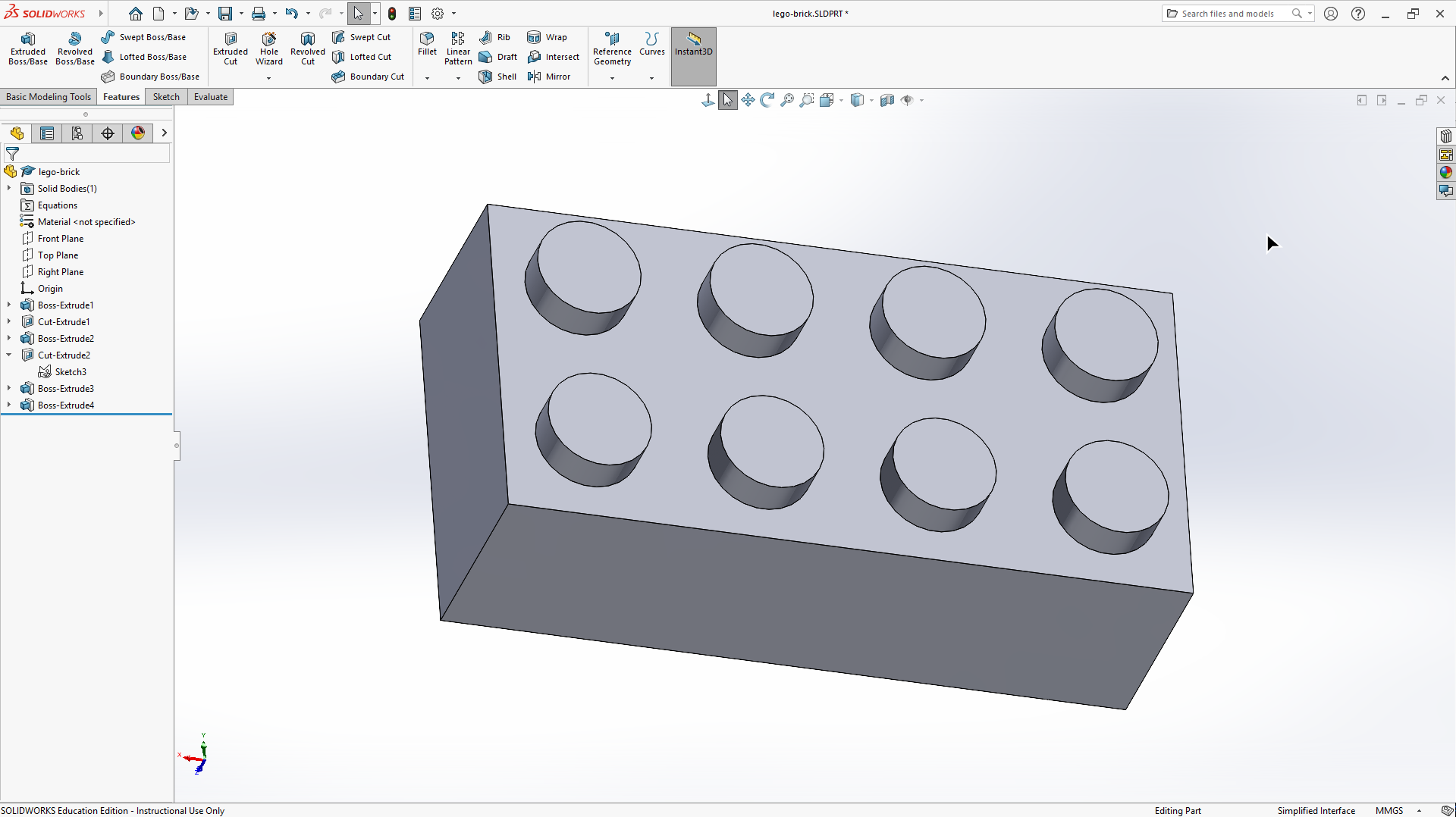 Fig. 6. Step 5: Internal cylinders
6. LEGO text
A visual detail is added to improve the realism of the model.
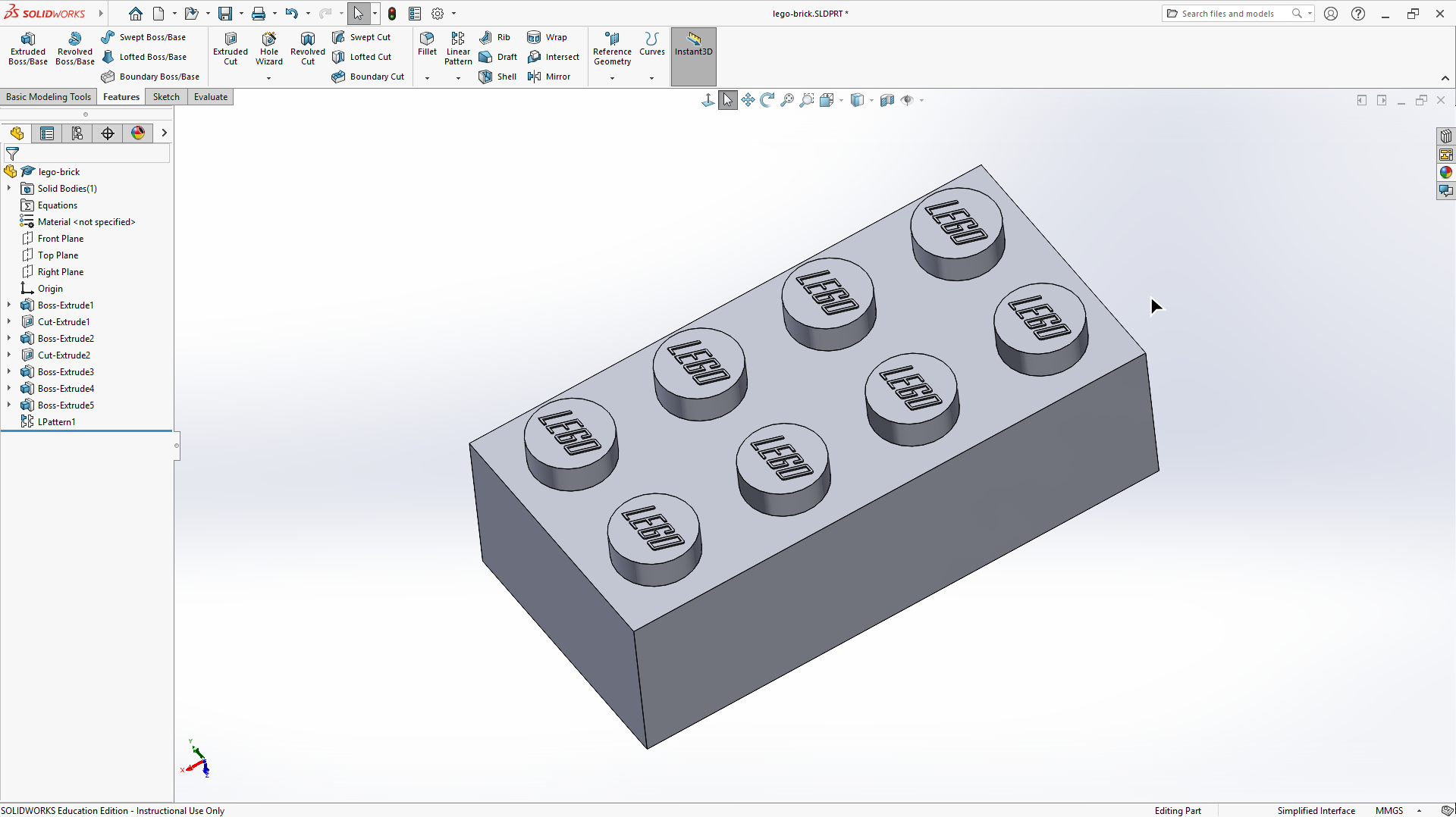 Fig. 7. Step 6: LEGO text
7. Appearance
Finally, the appearance is defined, including colors and materials.
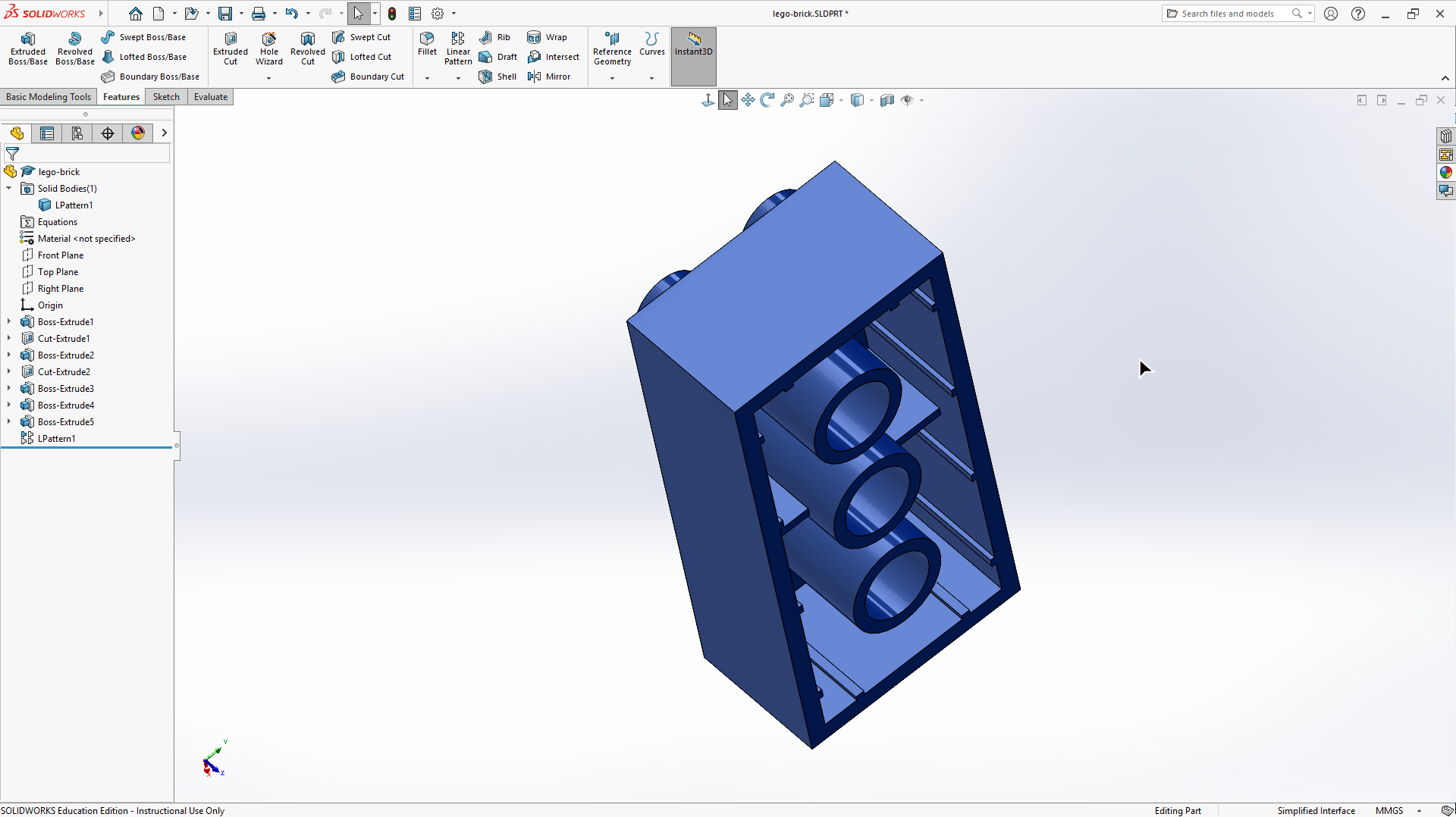 Fig. 8. Step 7: Appearance
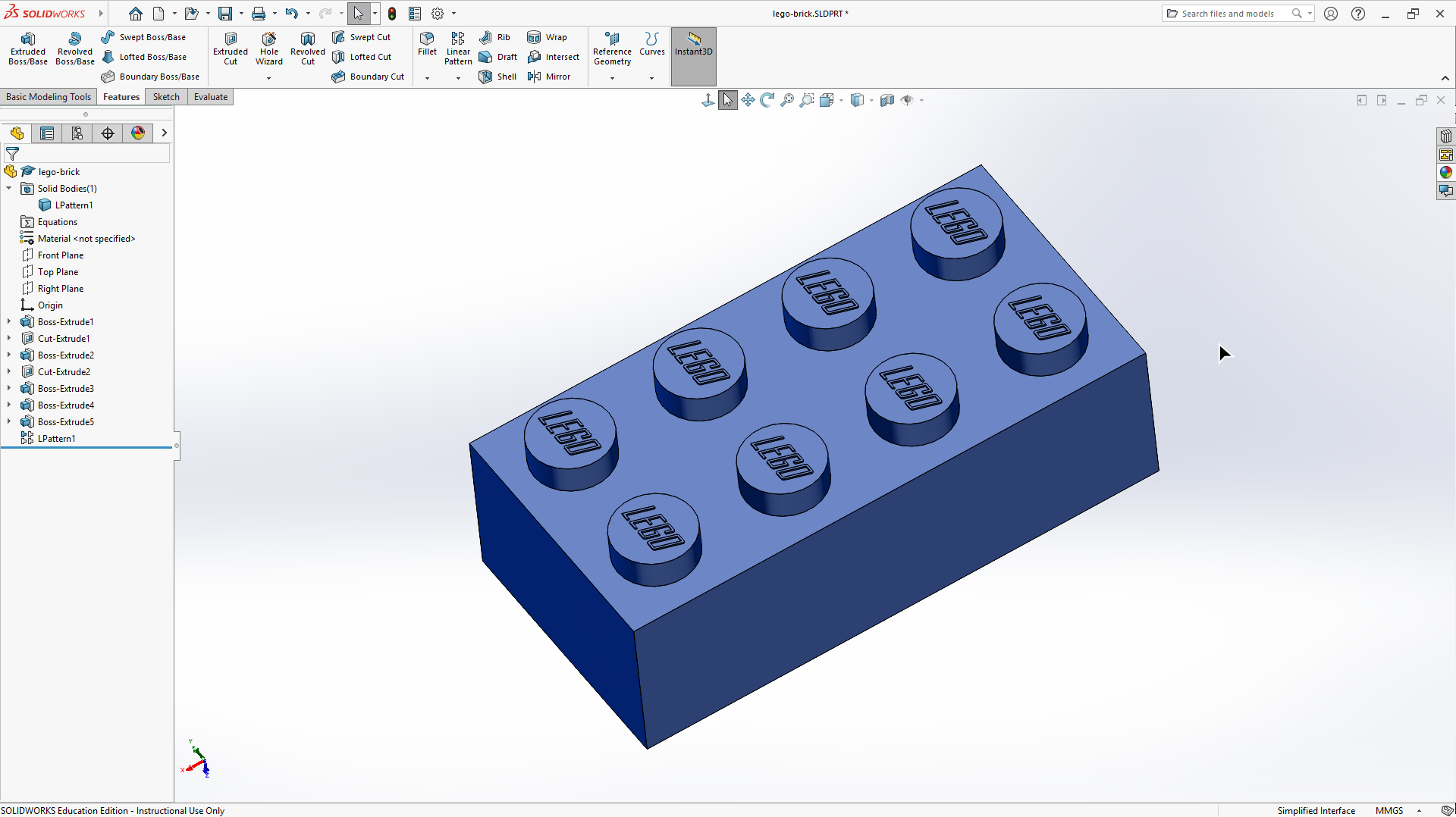 Fig. 9. Step 7: Appearance
Summary
A LEGO brick has a simple geometry, yet it includes many basic CAD operations.
This makes it a good first project.
There are many ways to model it, as shown in other tutorials.
In this post, I present one possible workflow.
License
Created using a license provided by DPS Software.